


ICOLORLAB
Best Seller | iCrayon Pro II
Add a concise introduction that explains what this page offers and what visitors can do next.
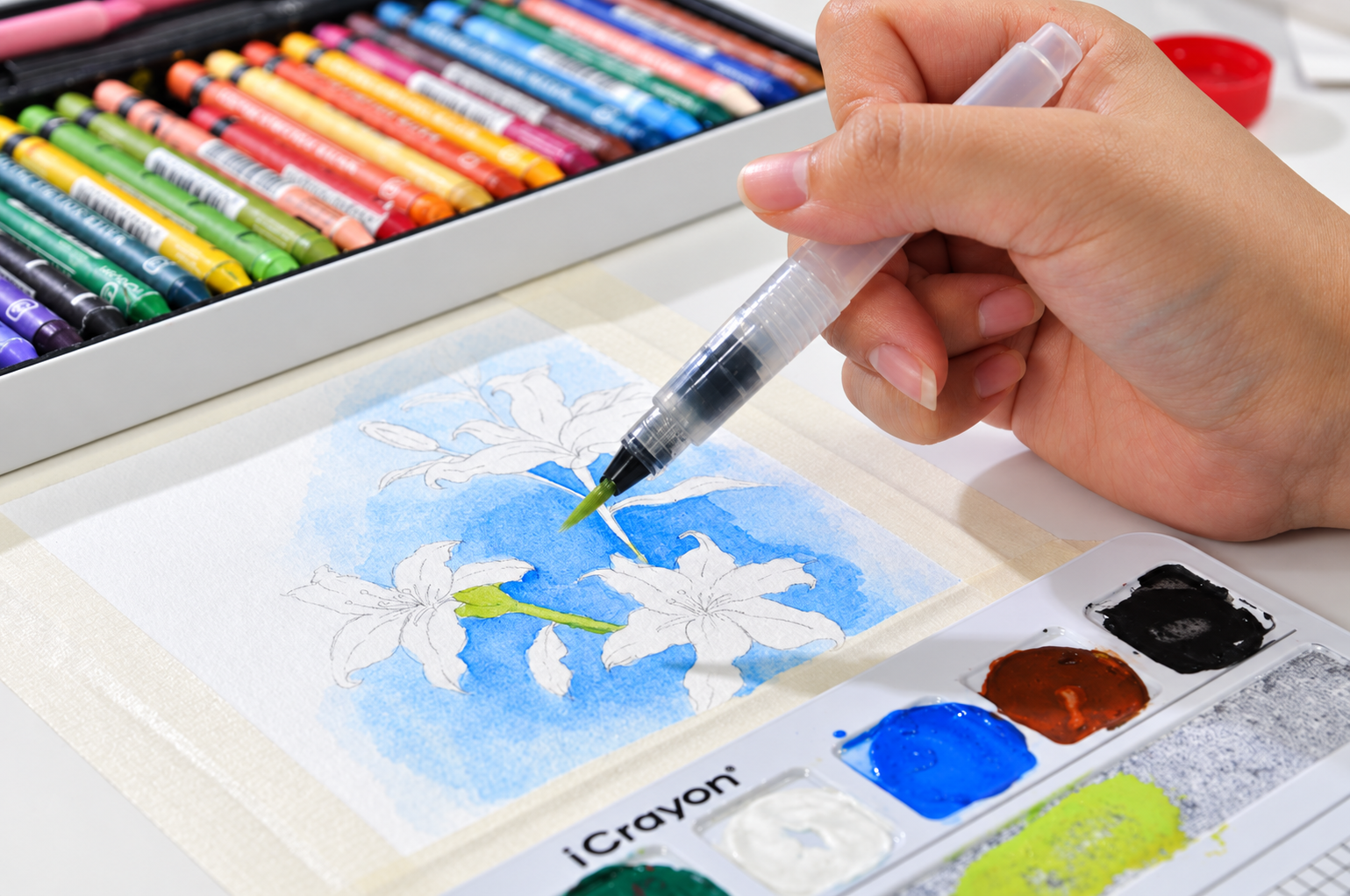
BEST SELLER · ICRAYON PRO II
One tool.
Limitless ways.
Rich color. Smooth blends. Just add water to discover more.
MEET YOUR NEXT CREATIVE COMPANION
Draw it. Blend it. Paint it.
Three ways to explore color with iCrayon Pro II.

Draw it.
Make bold marks, fine lines and layers of color, straight onto paper.
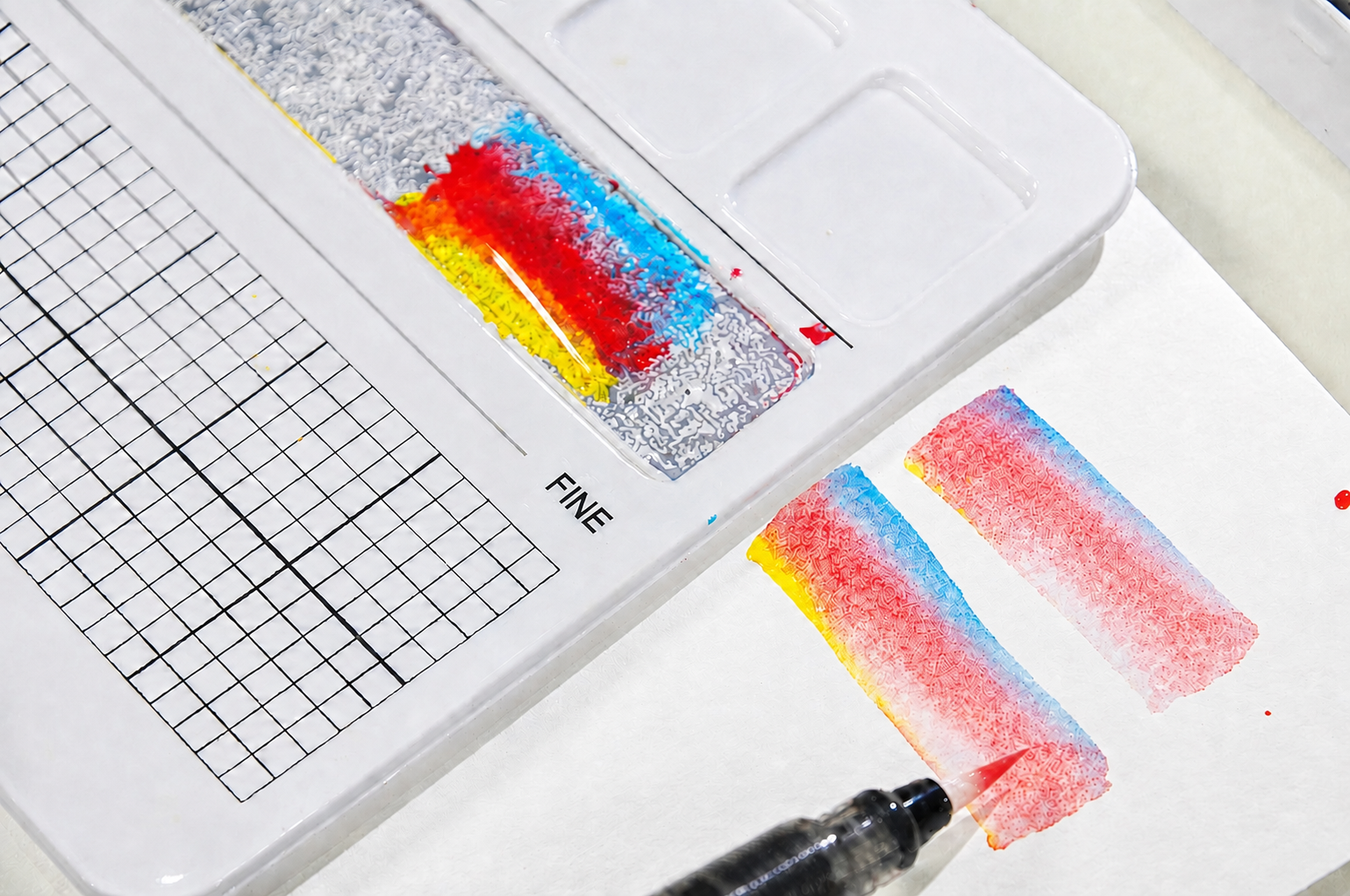
Blend it.
Mix colors and explore new shades, gradients and textures.
Paint it.
Add a damp brush to turn your marks into painterly washes.
MORE ROOM TO EXPLORE
From first marks
to your next masterpiece.
Start with a simple sketch or explore a new technique. Pro II brings drawing, color mixing and water effects into the same creative session.
YOUR FREE AI DRAWING COMPANION
A little guidance.
Your own work of art.
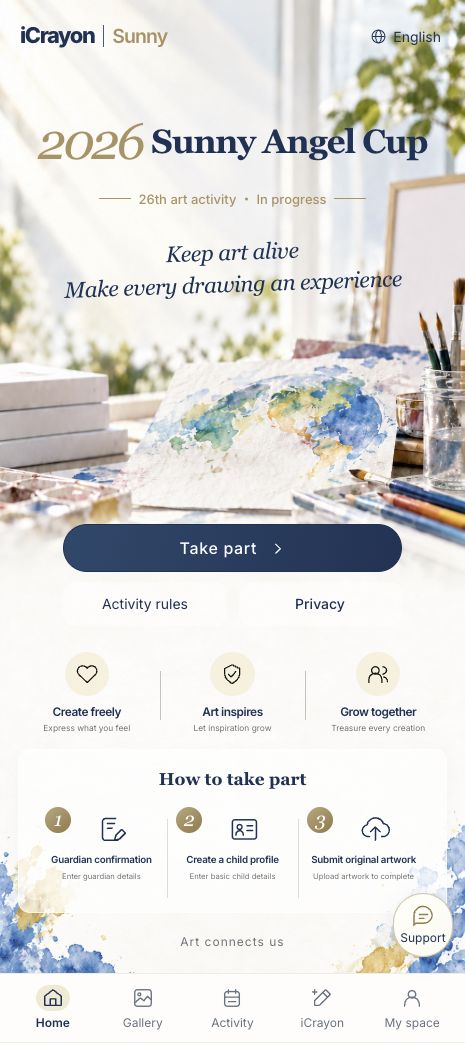
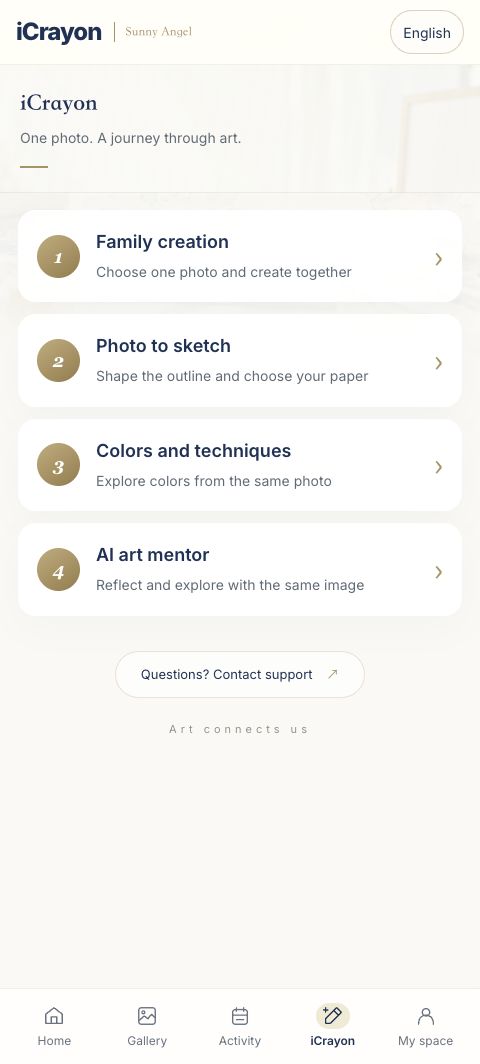
Pair your materials with the free iCrayon App. Explore a sketch, choose colors and practice a study inspired by artists such as Van Gogh or Monet.
COLOR MIXING CHART
25 colors.
288 starting points.
Explore 288 color-mixing references with the Pro II 25-color set. Use the chart to choose, mix and refine your next shade.
Mixing recipes are calculated references. Test on your paper and adjust as you go.
Choose your shade.
Find a reference color by hue, warmth, lightness and intensity.
Follow the mix.
Match the crayon codes and follow the pigment proportions. Water is added separately.
Test. Adjust. Create.
Make a small swatch on your paper, then refine the mix before using it in your artwork.
PRO II QUESTIONS
Before your first mark.
Can I use Pro II dry and with water?
Yes. Draw directly with the pastel, explore color mixing, or use a damp brush to create water-based washes.
Where should I start?
Try a few marks on paper, mix two colors and use a damp brush on a small area. Our technique guide offers more exercises.
Which set should I choose?
Visit the product page to compare the available color counts and options. Check the exact set contents before ordering.
Do I need the App to use Pro II?
No. You can create directly with your materials. The free App offers optional guidance with sketches, colors and drawing practice.
MAKE YOUR NEXT MARK
Make your next mark.
Explore the available Pro II sets and find your colors.